Generate a Video Package
Create a ready-to-download short-form campaign video with optional voiceover, captions, and ZIP package assets.
10 min Advanced Pro users and paid media teams
1
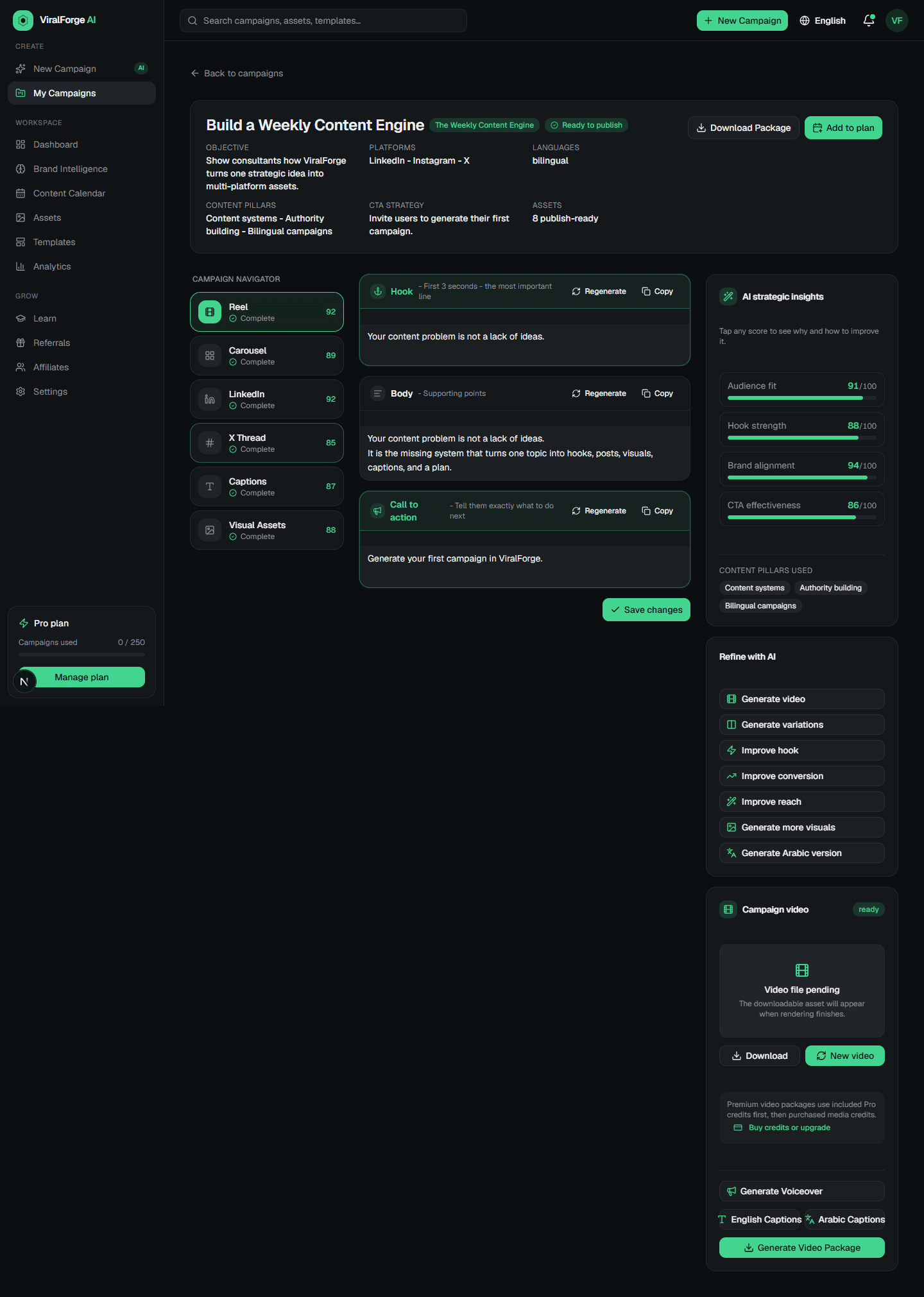
Open Campaign Studio
Start from a campaign that already has a reel script and visual prompts.
2
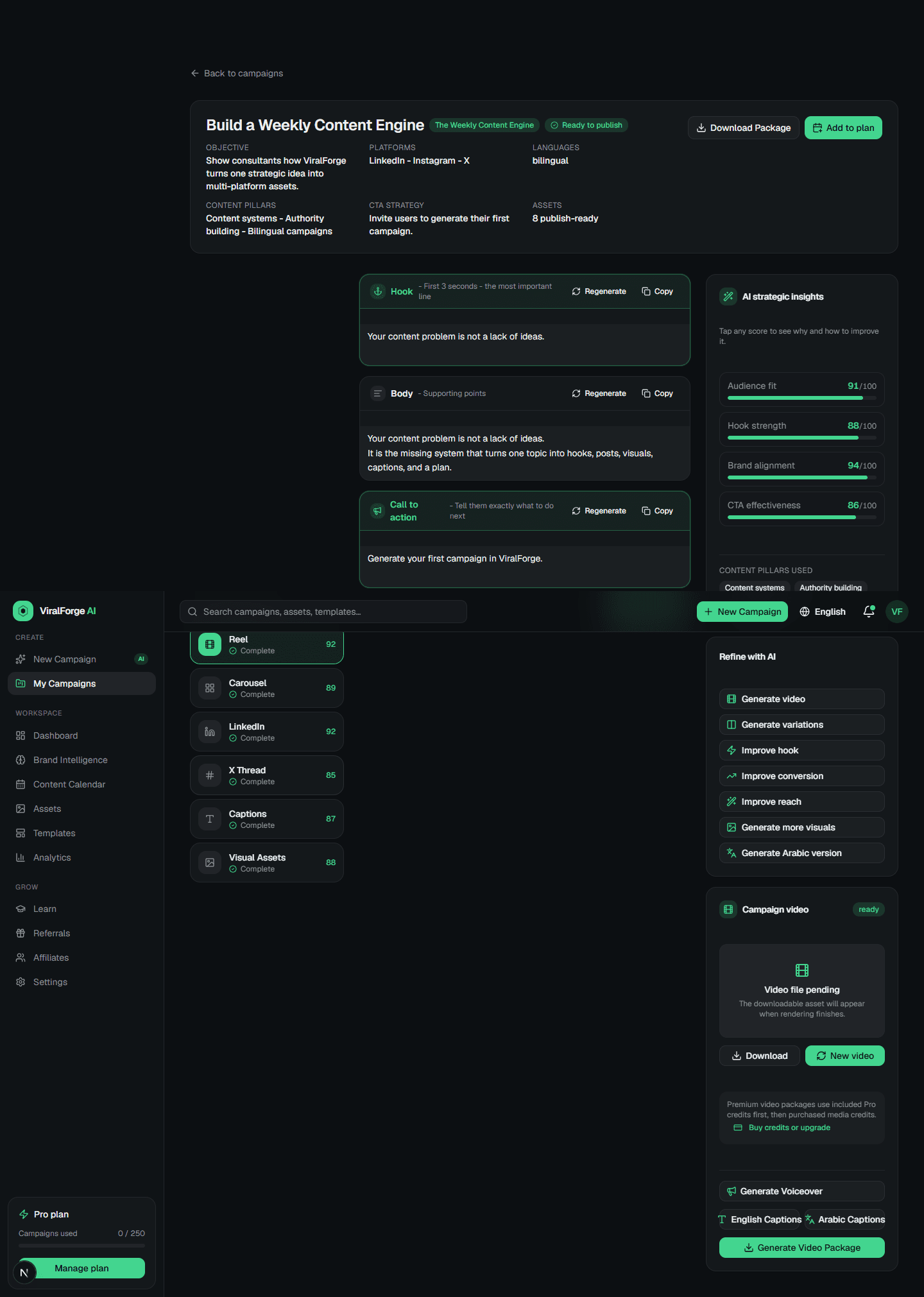
Generate video
Use Generate video to create a faceless branded short-form video from campaign assets.
3
Generate voiceover
Use a standard voice preset. Voice cloning is not part of this workflow.
4
Generate captions
Create English, Arabic, or bilingual subtitle files from the script timing.
5
Download the package
Download the ZIP when video, audio, captions, scripts, and campaign files are ready.