Generate Visual Assets
Create thumbnails, carousel visuals, quote cards, and cover images from campaign visual prompts.
6 min Intermediate Creators and marketers
1
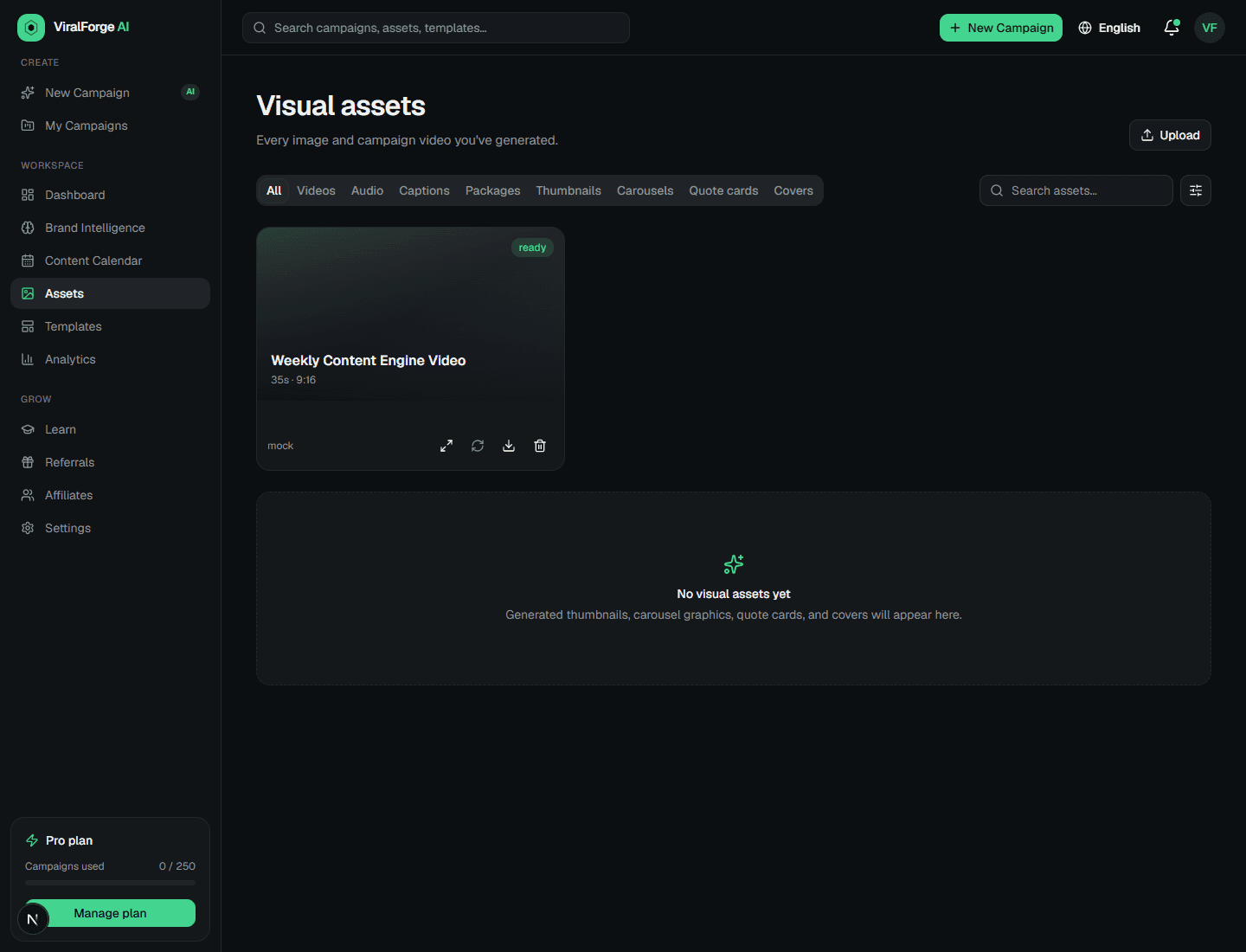
Open Campaign Studio or Assets
Visual generation can start from a campaign prompt or from the asset library.
2
Generate a thumbnail
Use the campaign visual prompt as the source. Keep text overlays short and brand-aligned.
3
Generate carousel visuals
Create visuals for key carousel slides and keep each slide focused on one message.
4
Create variations
Regenerate when composition, contrast, or clarity misses the mark. Each generated visual counts toward plan usage.
5
Download assets
Use the Assets page to preview, filter, and download generated visuals.