Generate Your First Campaign
Go from a topic to a complete publish-ready campaign with angles, scripts, posts, captions, and package downloads.
Open Mission Control
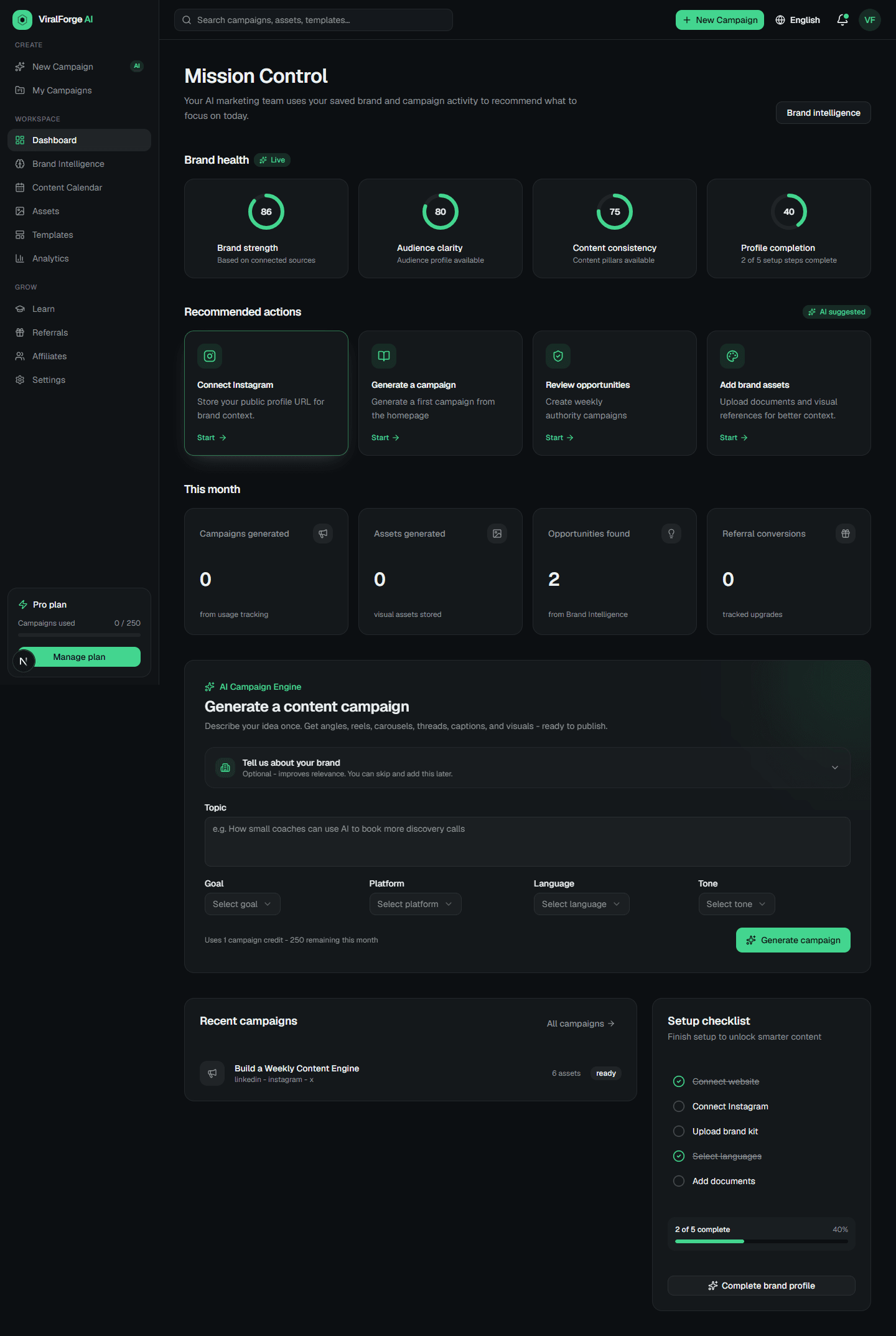
Start from the dashboard. This is where campaign creation, usage, and recommended next steps come together.
Enter a focused topic
Use one clear idea, offer, audience pain point, or lesson. Brand OS works best when the topic is specific enough to guide strategy.
Choose goal, platforms, and language
Select the campaign goal, target platforms, and English, Arabic, or bilingual output before generation.
Generate strategic angles
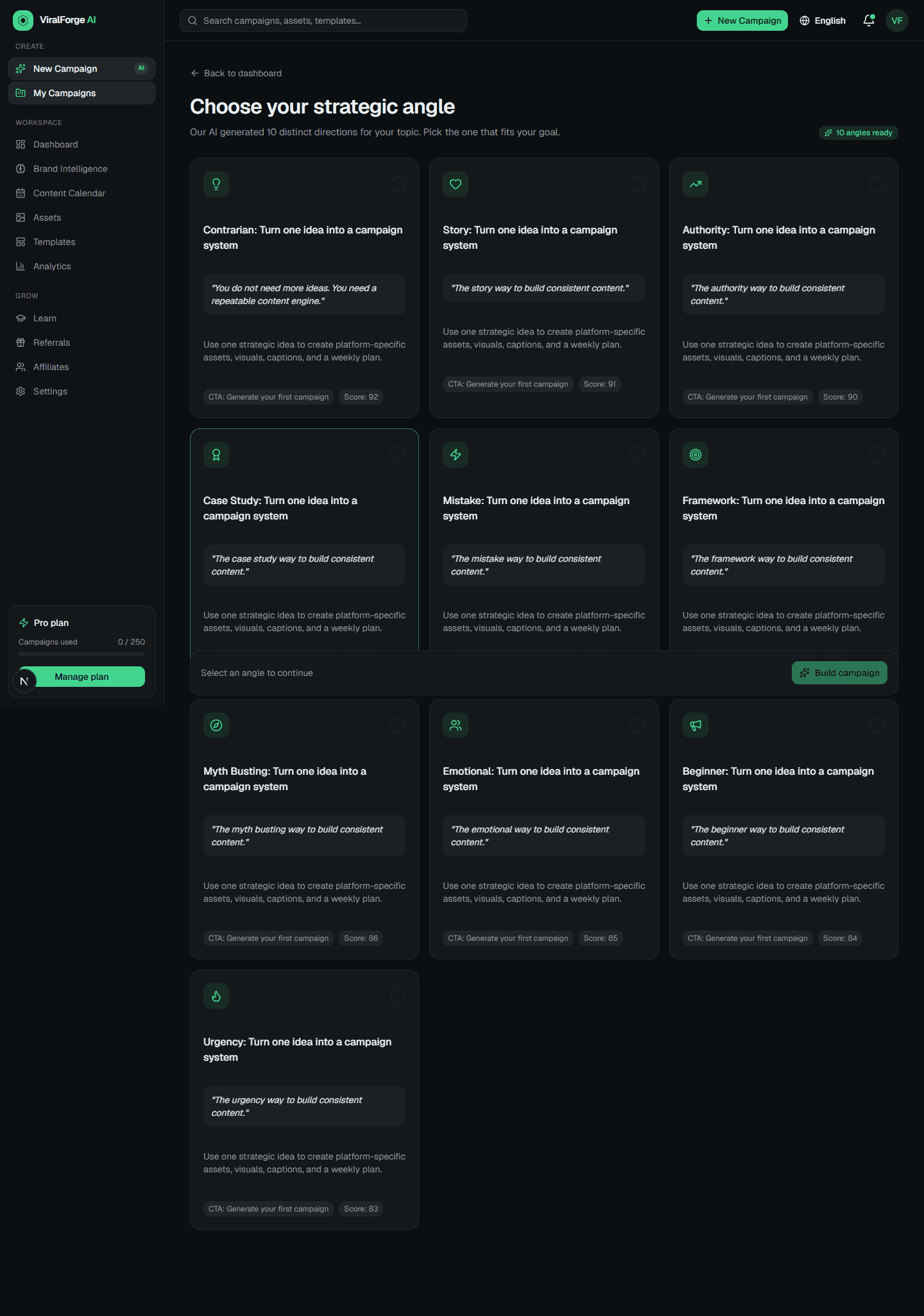
Review the 10 suggested angles. Pick the direction with the strongest audience fit and CTA logic.
Build the full campaign
After choosing an angle, generate the full asset package: reel, carousel, LinkedIn post, X thread, caption, hashtags, prompts, and scores.
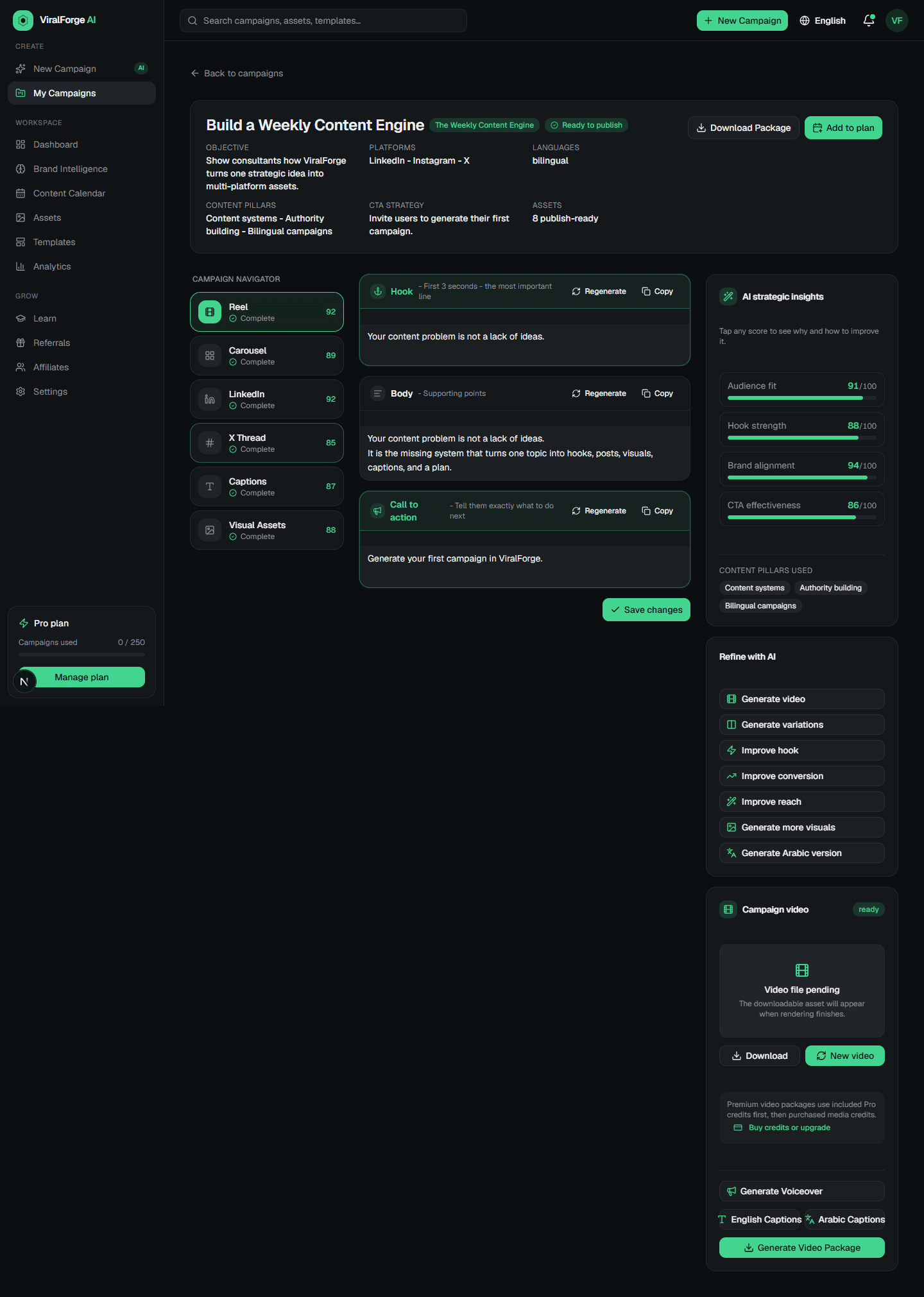
Review Campaign Studio
Use Campaign Studio to improve hooks, CTAs, variations, visuals, captions, and downloadable packages.